User guide for Naviextras Toolbox
About Naviextras Toolbox
To provide the best possible navigation experience, Subaru and NNG, the navigation software provider, offer map updates for your navigation system. Don't miss any, and download them using the Naviextras Toolbox!
How? This guide will help you!
You will need:
- The map SD card from your vehicle.
- A broadband internet connection.
- A computer running Windows or macOS. For optimal performance, please ensure you have the latest operating system, or one that is still supported.
🗎NOTE: Please ensure that you have turned on your vehicle's navigation system at least once before removing the SD Card and inserting it into your computer.
- On the website, select your region first.
- Select the desired map update package.
- Choose an update plan.
- On the checkout page, provide your billing details. Please note that invoices cannot be modified once issued, so please carefully check your information before proceeding to payment.
- If you have a voucher code, please insert it in the corresponding box on the Order Summary page.
- Mark the checkboxes to accept the Privacy policy and the Purchase Terms.
- Review your order on the Order Summary and click Confirm Payment.
- Choose a payment method and enter your payment information.
- After your payment has been processed successfully, you will be issued an activation code. You will also receive a copy of your activation code on the e-mail address you provided.
- Install the Naviextras Toolbox on your computer, connect your vehicle's map SD card, start the Toolbox and log in. (Find the guide below.)
- On the Toolbox Home Screen, click on "Redeem a code" - you will find the activation code which corresponds to your purchase there. If you have signed in using a different account, you can enter the activation code manually on this page.
- You can download the Naviextas Toolbox map update program from here.
- Following installation, start the Naviextras Toolbox.
- Remove the map SD card from your vehicle and insert it into your computer.
- The Naviextras Toolbox will automatically detect your map SD card, and will prompt you to log in.
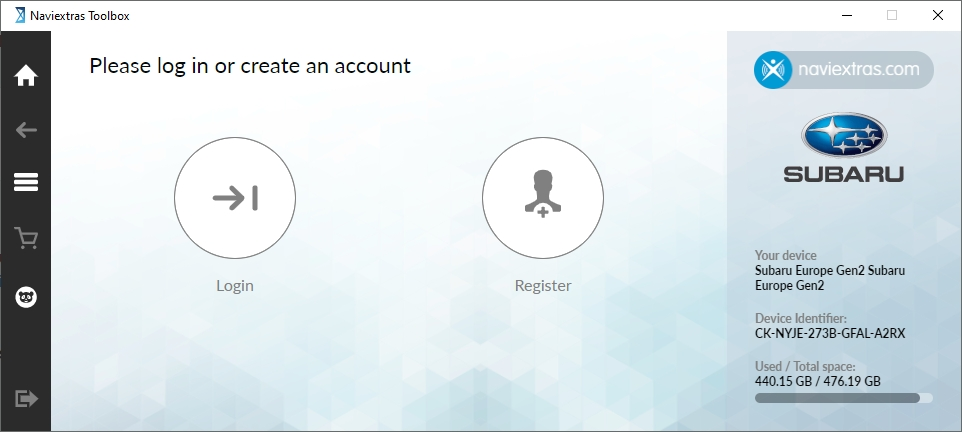
- Log in using your existing account, or create a new account by clicking on "Register" and providing your name, a valid e-mail address, a password and your country of residence.
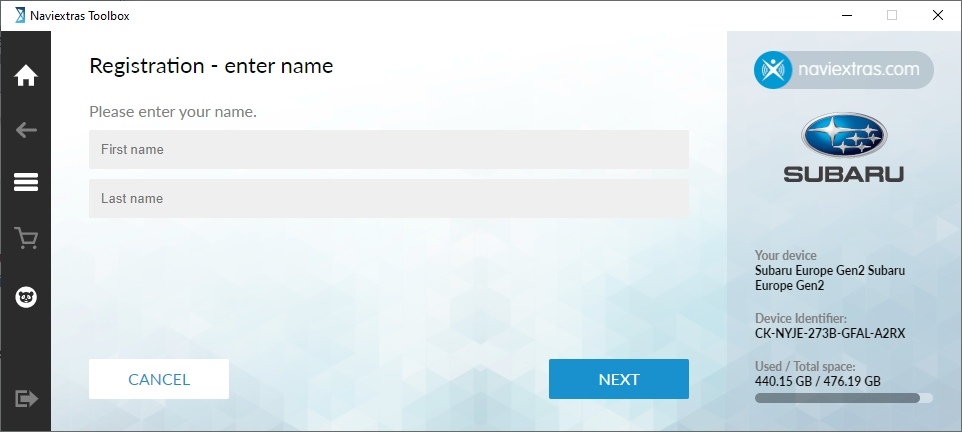
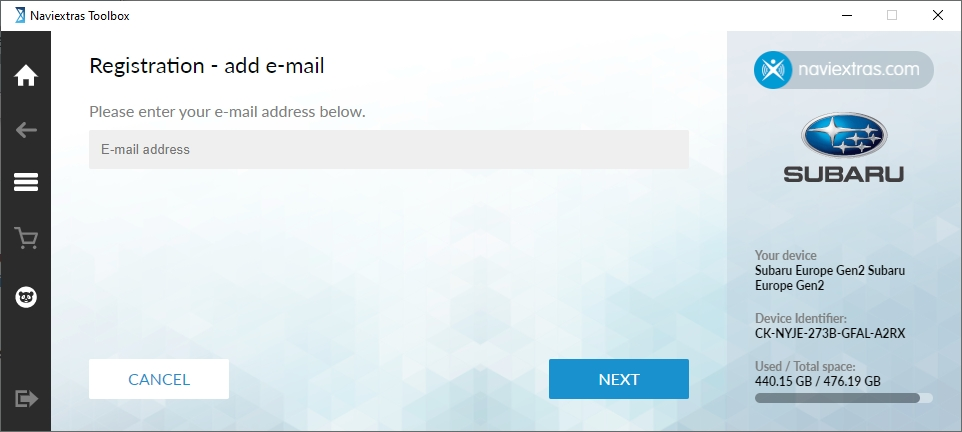
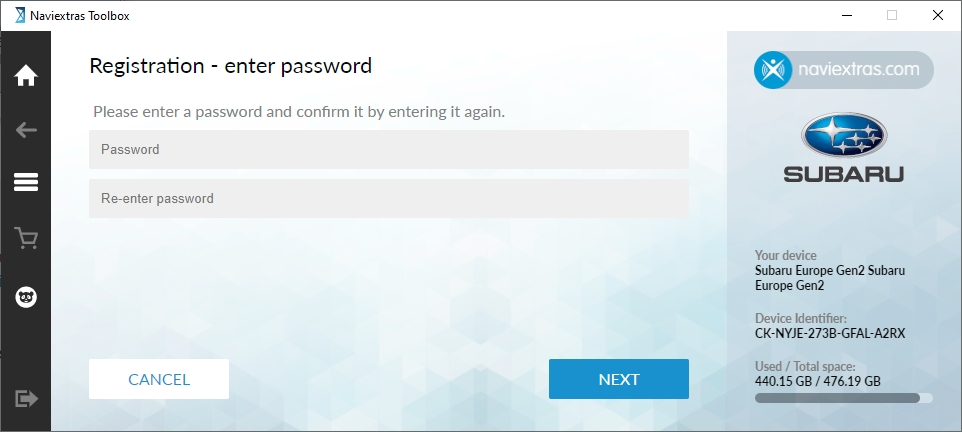
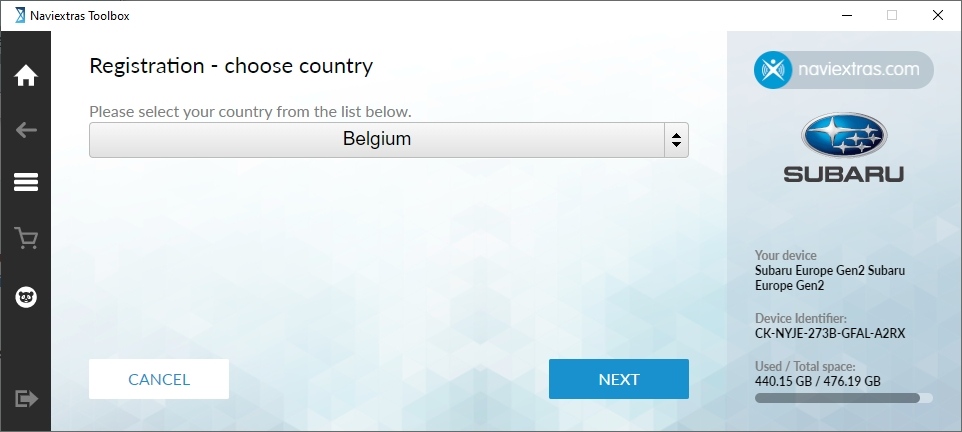
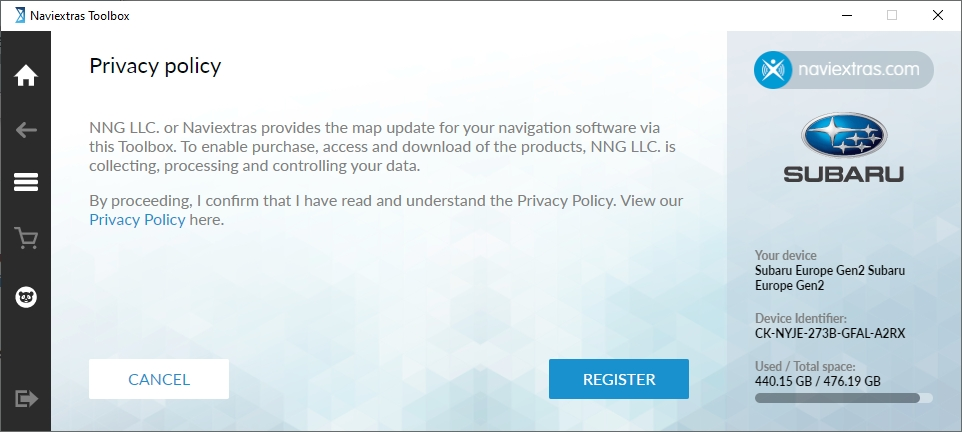
- Read the Privacy Policy and click on the "REGISTER" button.
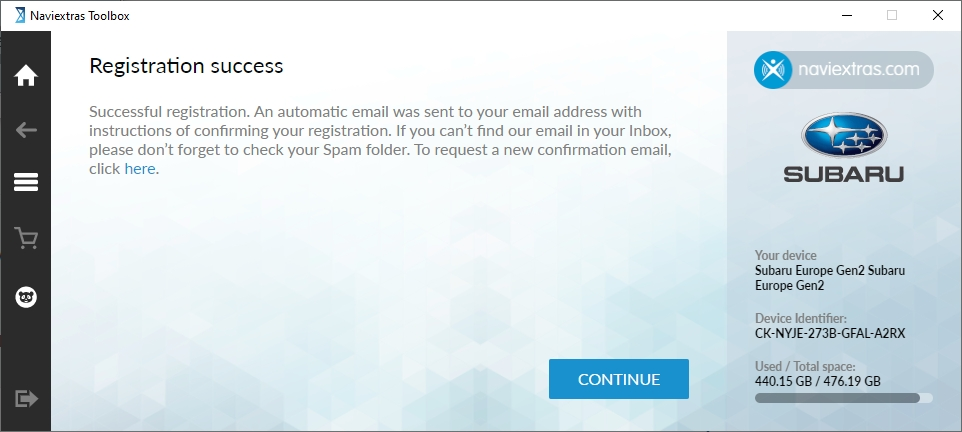
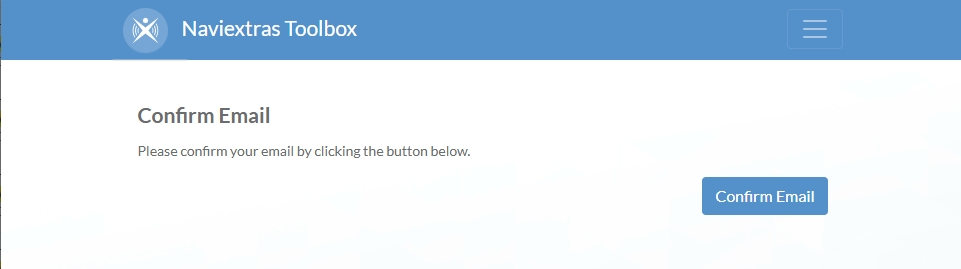
- To verify your account, click on the link in the e-mail we sent to your e-mail address.
Don't forget to sign up for notifications about the latest map releases!
Becoming a corporate user
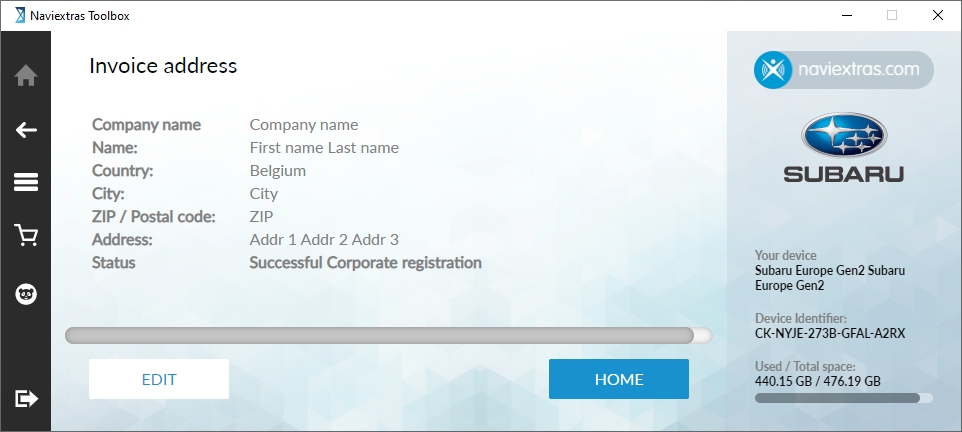
If you are a corporate entity within the European Union and wish to purchase without VAT, you can apply for corporate status following login. Click on the "3-line icon" > Settings > My Account > Invoice address > Edit > I am a corporate user; and fill out the required fields: your company name, address, and your valid EU VAT ID.
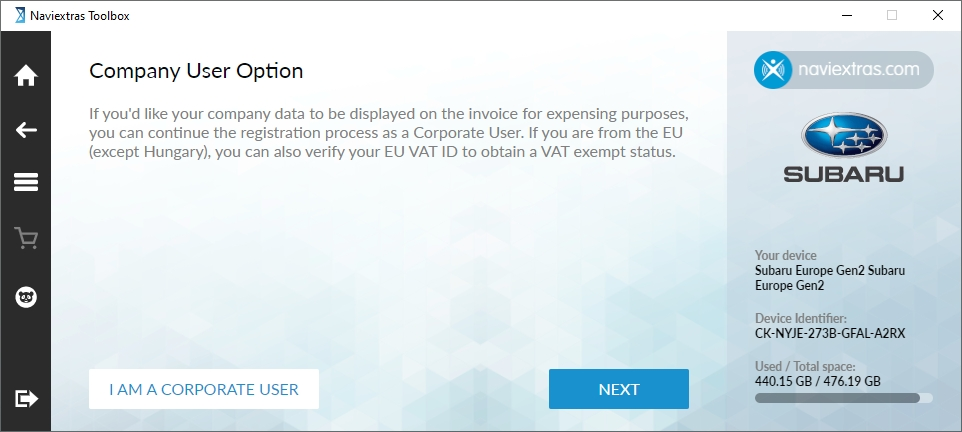
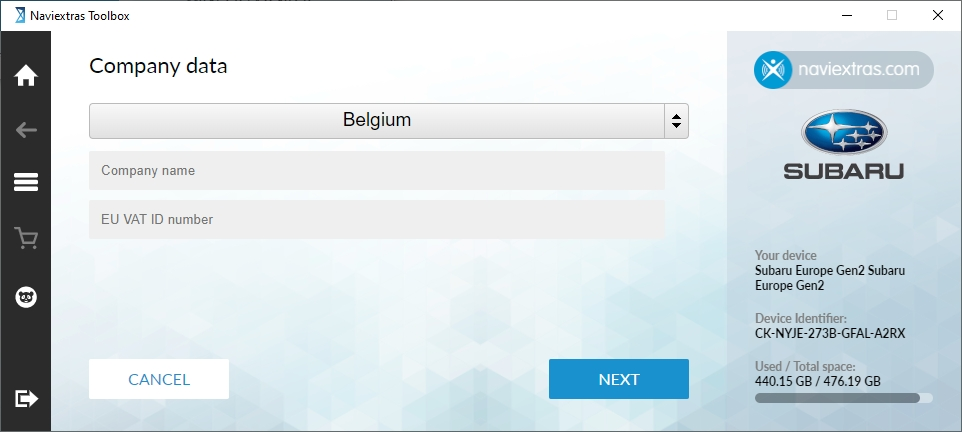
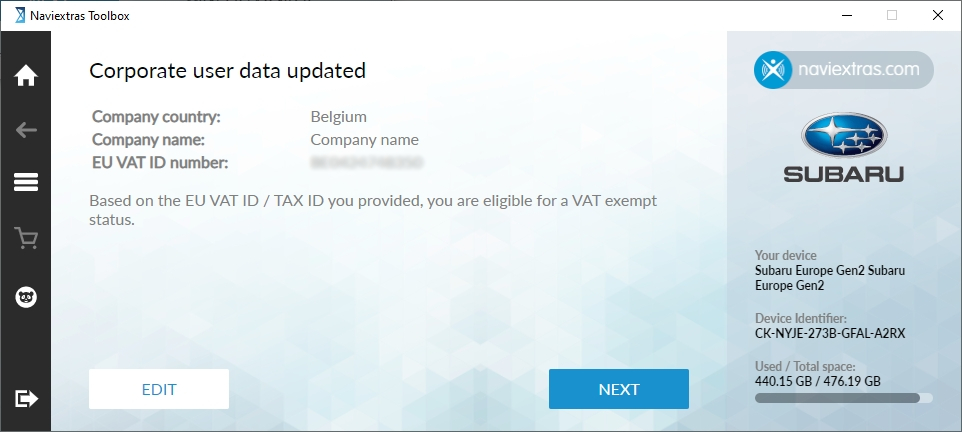
Each time you make a change to your company data on this screen, a new validation will run. Please ensure that you provide accurate information during this process.
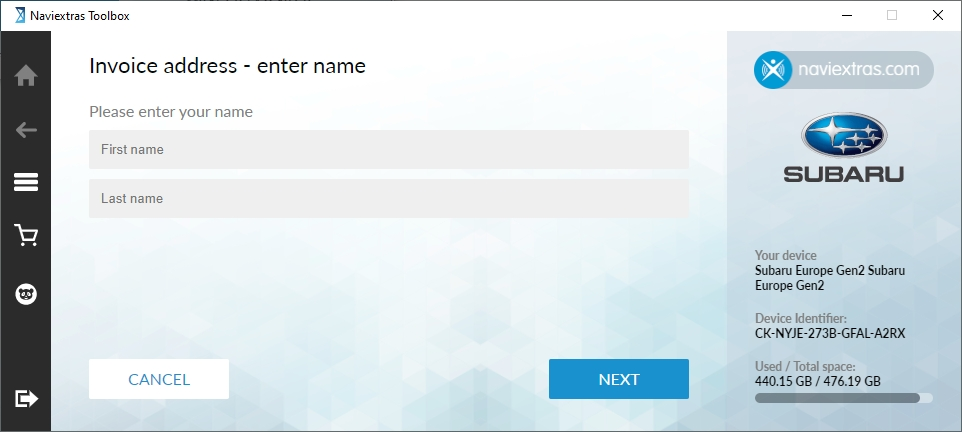
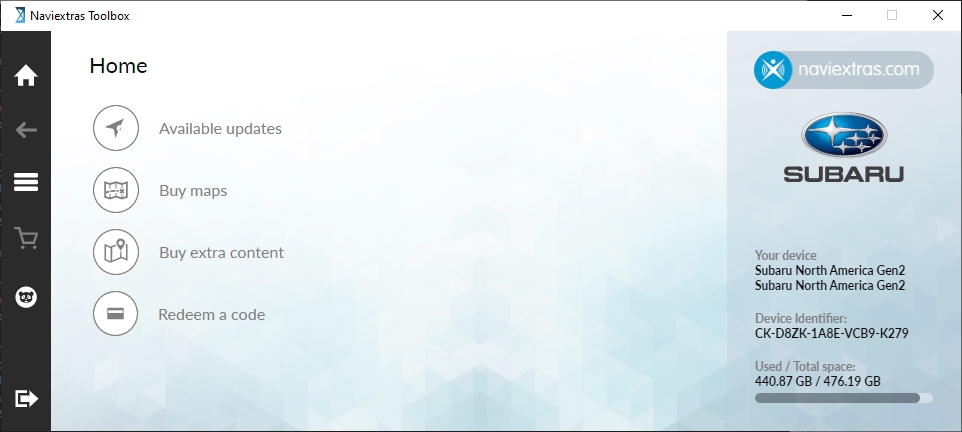
Click on "Redeem a code" on the Naviextras Toolbox Home screen.
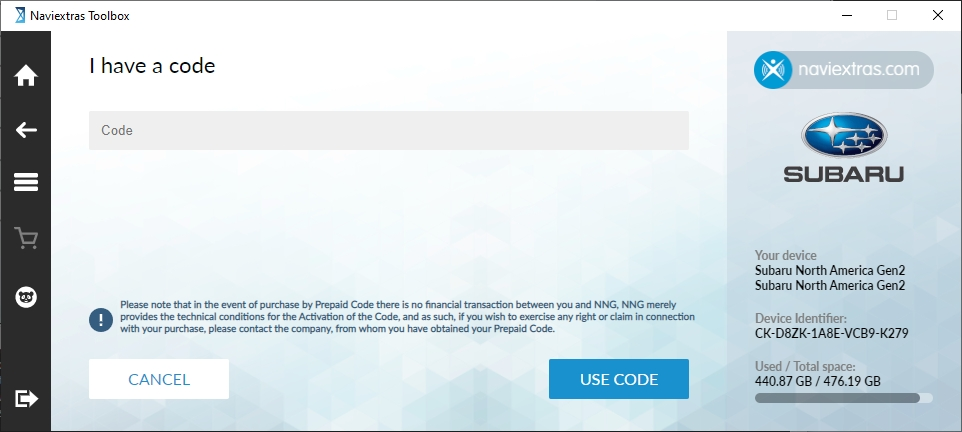
Enter the activation code you received into the code field, or select it and click on "USE CODE".
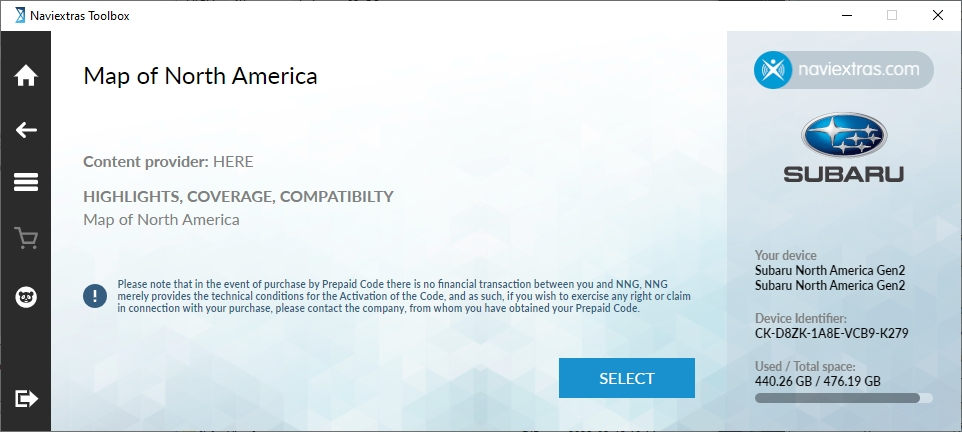
Click on "SELECT".
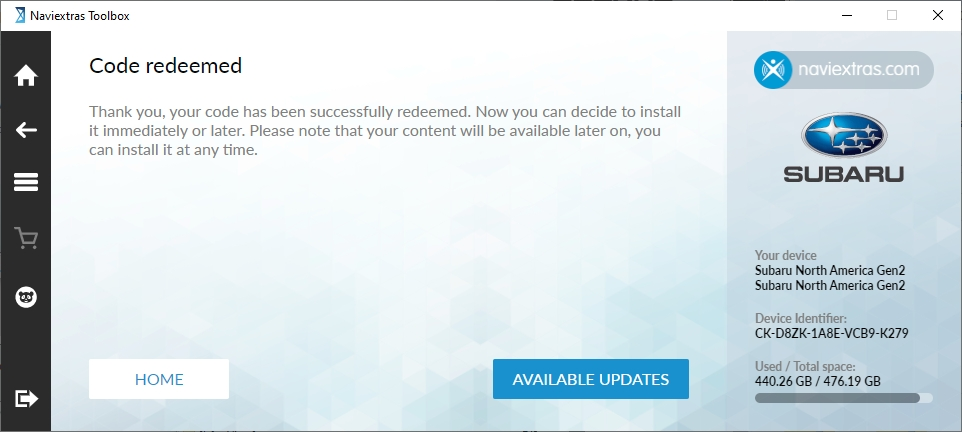
- Click on "AVAILABLE UPDATES" and follow the on-screen instructions to download and install the update.
- Once installation is complete, safely remove your map SD card from your computer and return it to your vehicle.
If there are no available updates, or all updates to which you are entitled have already been installed on your map SD card, you will be redirected to the Toolbox Home screen.
- After logging in, you will see the Home screen.
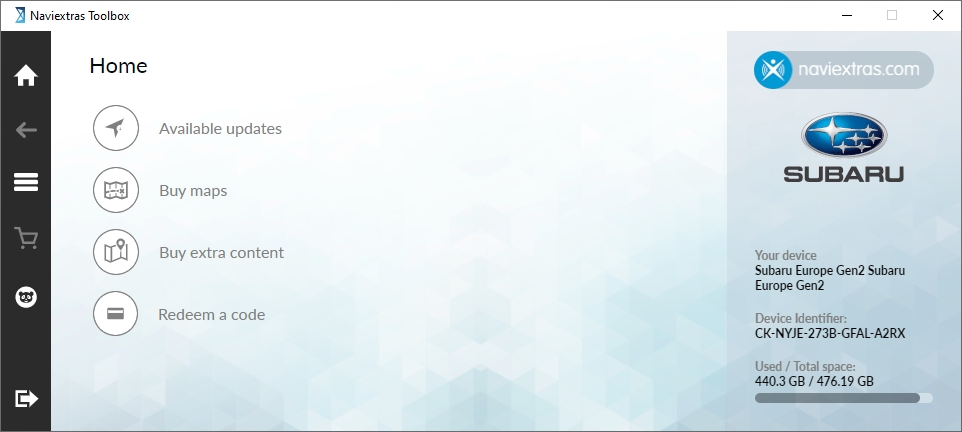
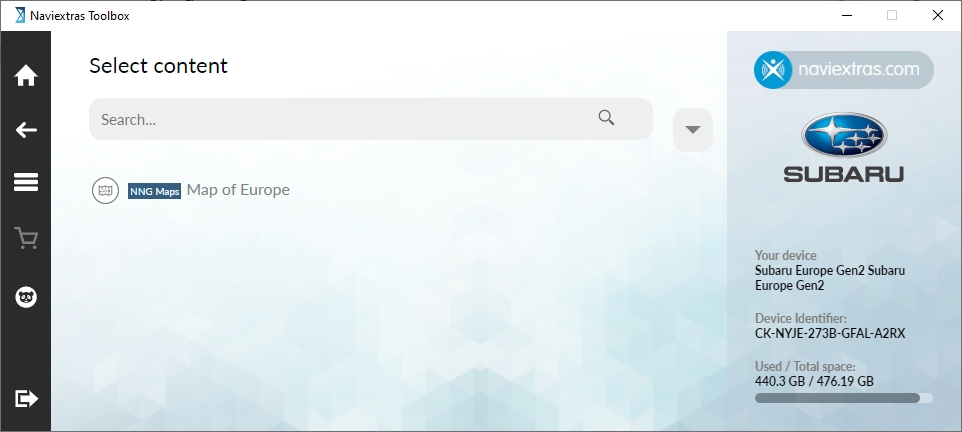
- Click on the "Buy maps" or "Buy extra content" buttons to see the available updates for your navigation system.
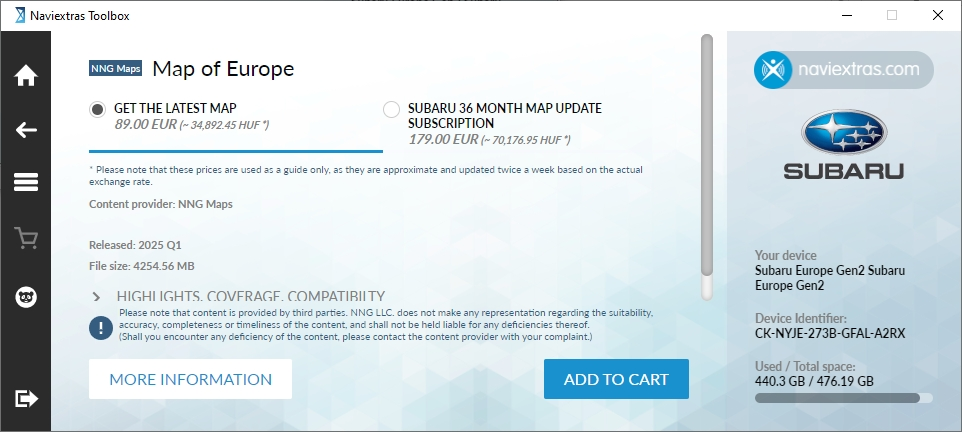
- After selecting the desired update, click on the "ADD TO CART" button to start the purchase process. Please follow the on-screen instructions to proceed.
- Before paying, you can edit your invoice address or corporate status.
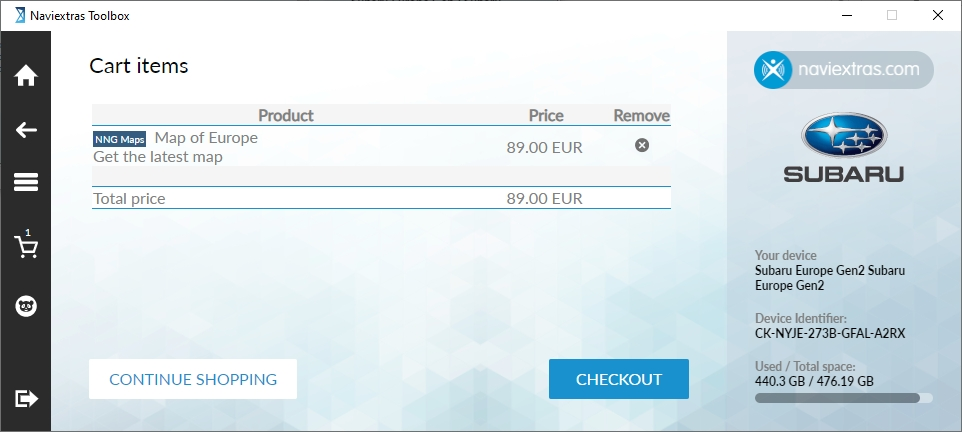
- After providing your invoice details and accepting the Terms and Conditions of Purchase, please provide your payment details.
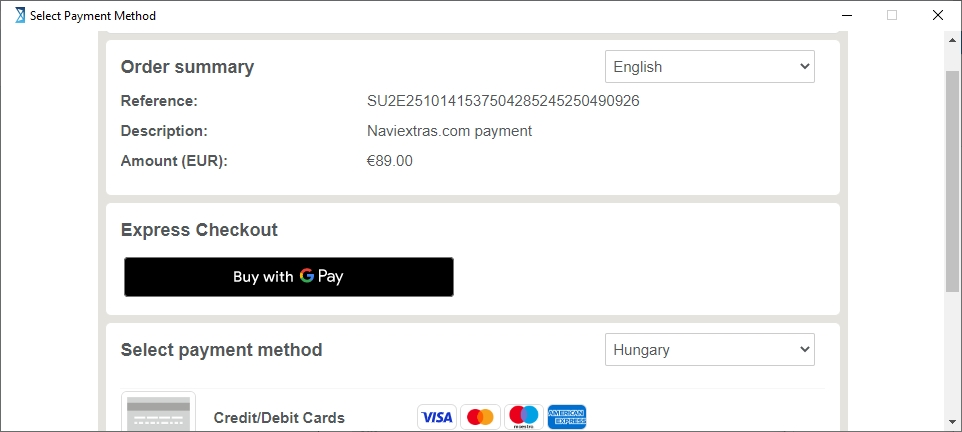
- Following payment, download and installation, please close the Toolbox and eject the SD card from your computer.
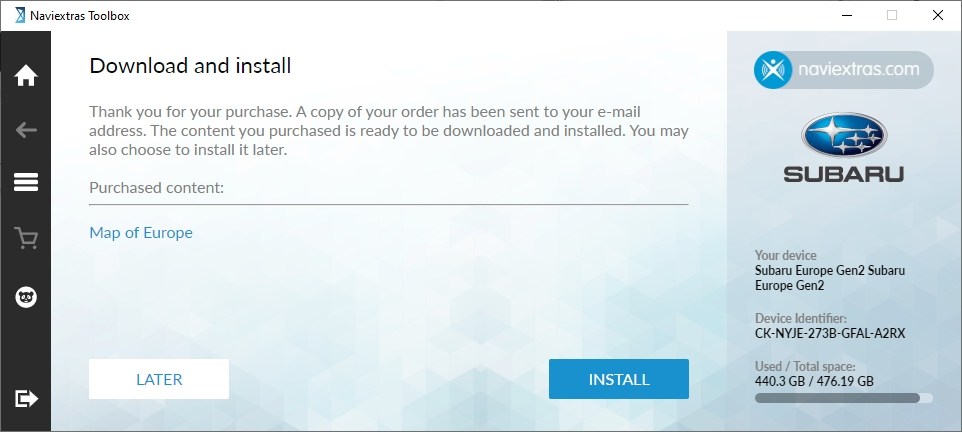
- Return the updated SD card to your vehicle, start the navigation, and enjoy the benefits of updated mapping.
Now, your Naviextras Toolbox is up-to-date with the latest available contents and ready-to-use!
Have a safe ride!
For further assistance, please read the Naviextras Toolbox FAQ or contact an authorised Subaru dealership